
How to Download & Save Your Santa Video in HD Forever
A personalized video from Santa isn't just for this Christmas. It's a time capsule of who your child was at this exact moment in time. Here is how to ensure you keep that memory safe in high definition.
1. Download Immediately (and Locally)
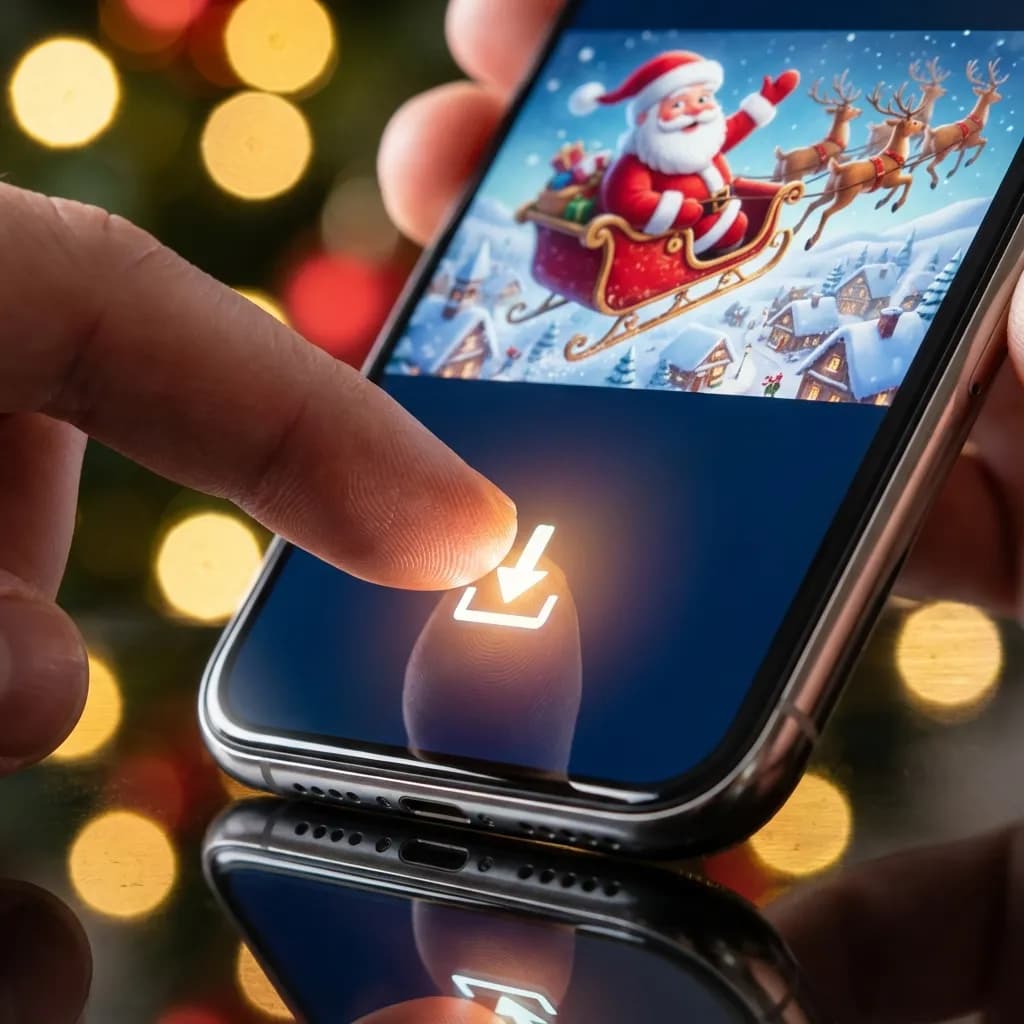
Web links can expire. Servers can change. The only safe video is one that is stored on your device. After creating your video, tap the "Download HD" button immediately. Do not just bookmark the page!
2. The Big Screen Experience
Phone screens are fine, but seeing Santa life-sized on the living room TV is magical. Most HD downloads are optimized for this. Use AirPlay (for Apple) or Chromecast (for Android) to beam the file directly to your TV.

3. The Digital "Memory Box"
We recommend creating a specific folder in your cloud storage (Google Drive, iCloud, Dropbox) named "Christmas Memories". Rename the file from "santa_video_123.mp4" to "Santa Video for Liam - Age 4 - 2025.mp4". Future you will thank you for the organization.
Sharing with Grandparents
Don't send the video file itself over text (MMS) or WhatsApp, as it compresses the quality heavily. Instead, send the Share Link or upload your HD file to a shared album so they see it in full glory.
Advertisement
Create Magic This Christmas
Generate a personalized video message from Santa for free. It takes less than 2 minutes!
Create Santa Video Now